Local-first
Supervise coding agents.
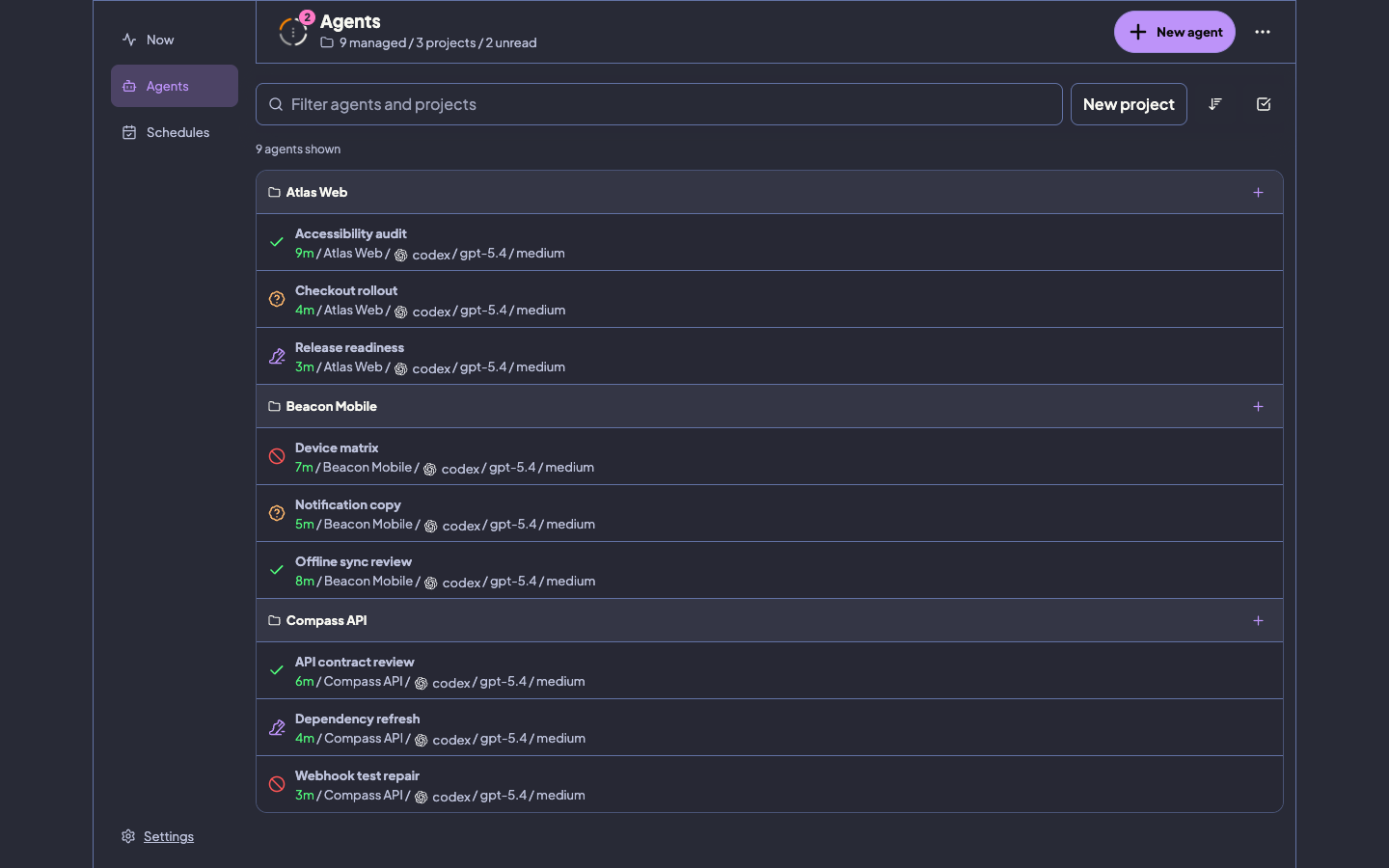
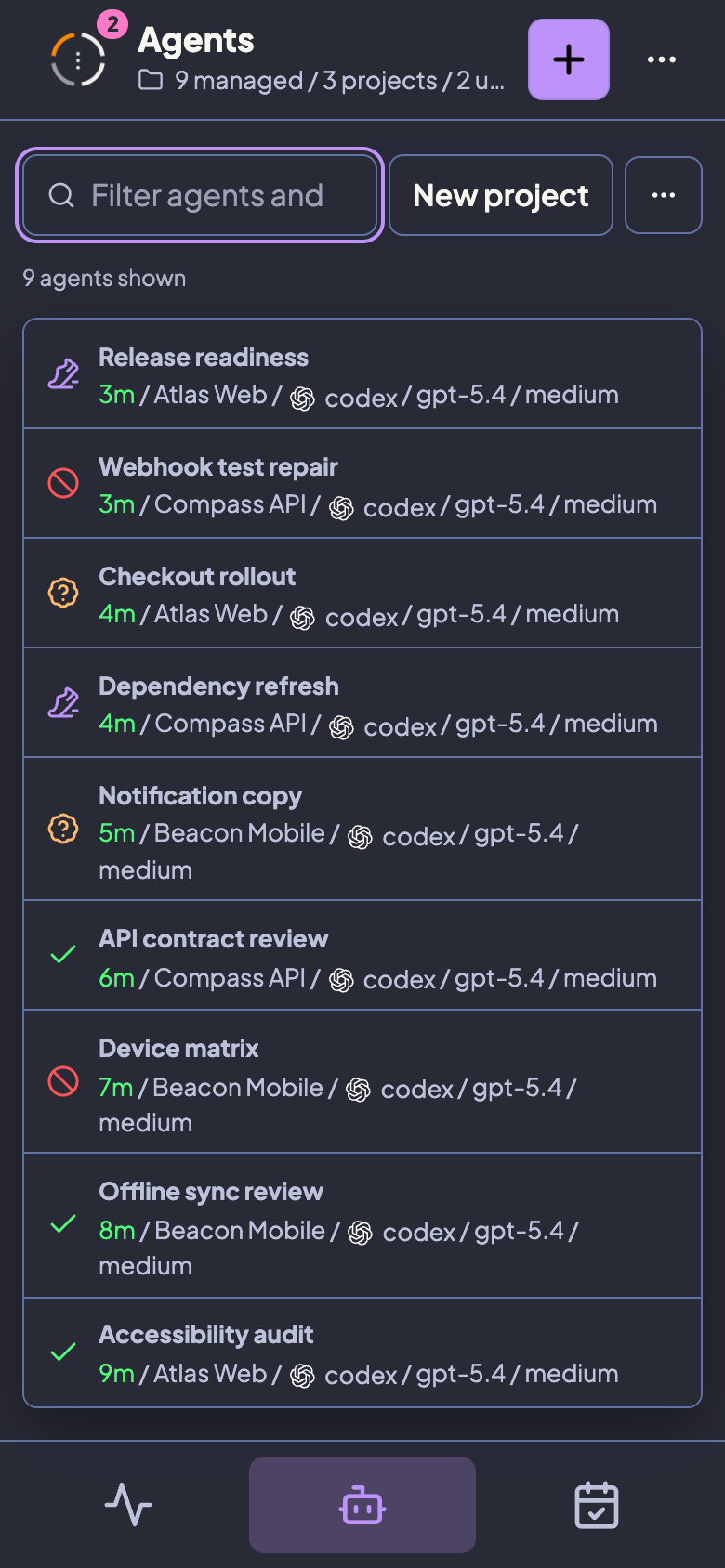
Tycho helps you see which agent sessions deserve your attention.
Tycho stores your config, prompts, and logs locally. Works with Codex, Claude, OpenCode, and Pi.
Get started
Start your first agent.
Install and sign in to a supported agent CLI first.
Requires macOS Tahoe on Apple Silicon and Homebrew.
brew tap firewalker06/tycho
brew install tycho
tycho --version
tycho serve \
  --host 127.0.0.1 \
  --port 7373
Requires Linux x86_64 and Homebrew.
brew tap firewalker06/tycho
brew install tycho
tycho --version
tycho serve \
  --host 127.0.0.1 \
  --port 7373
For other Linux targets, install from source.
Install the source requirements inside WSL2 first. Run these commands in your Linux terminal.
git clone --branch v0.16.0 \
  https://github.com/firewalker06/tycho.git
cd tycho
bin/setup --check
bin/setup
bin/tycho --version
bin/tycho serve \
  --host 127.0.0.1 \
--port 7373Keep the terminal open and visit 127.0.0.1:7373 in your browser.

Select Create Welcome Sandbox, or open the existing project.

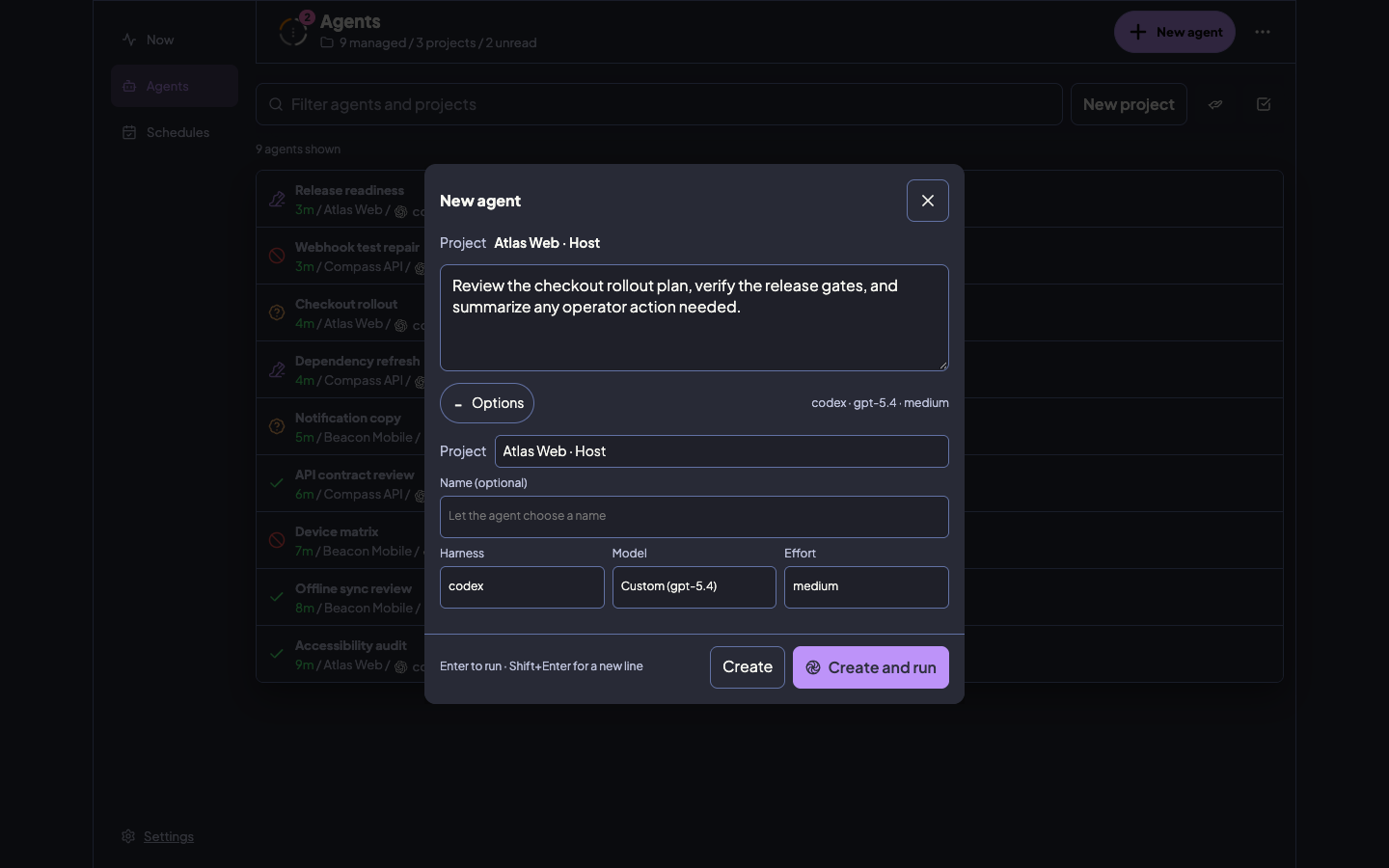
Choose New agent. In Options, open Advanced and select your signed-in harness.

Enter a prompt and select Create and Run.
Read README.md and notes.md. Add one practical next step to notes.md, then summarize the change.
Agent sessions
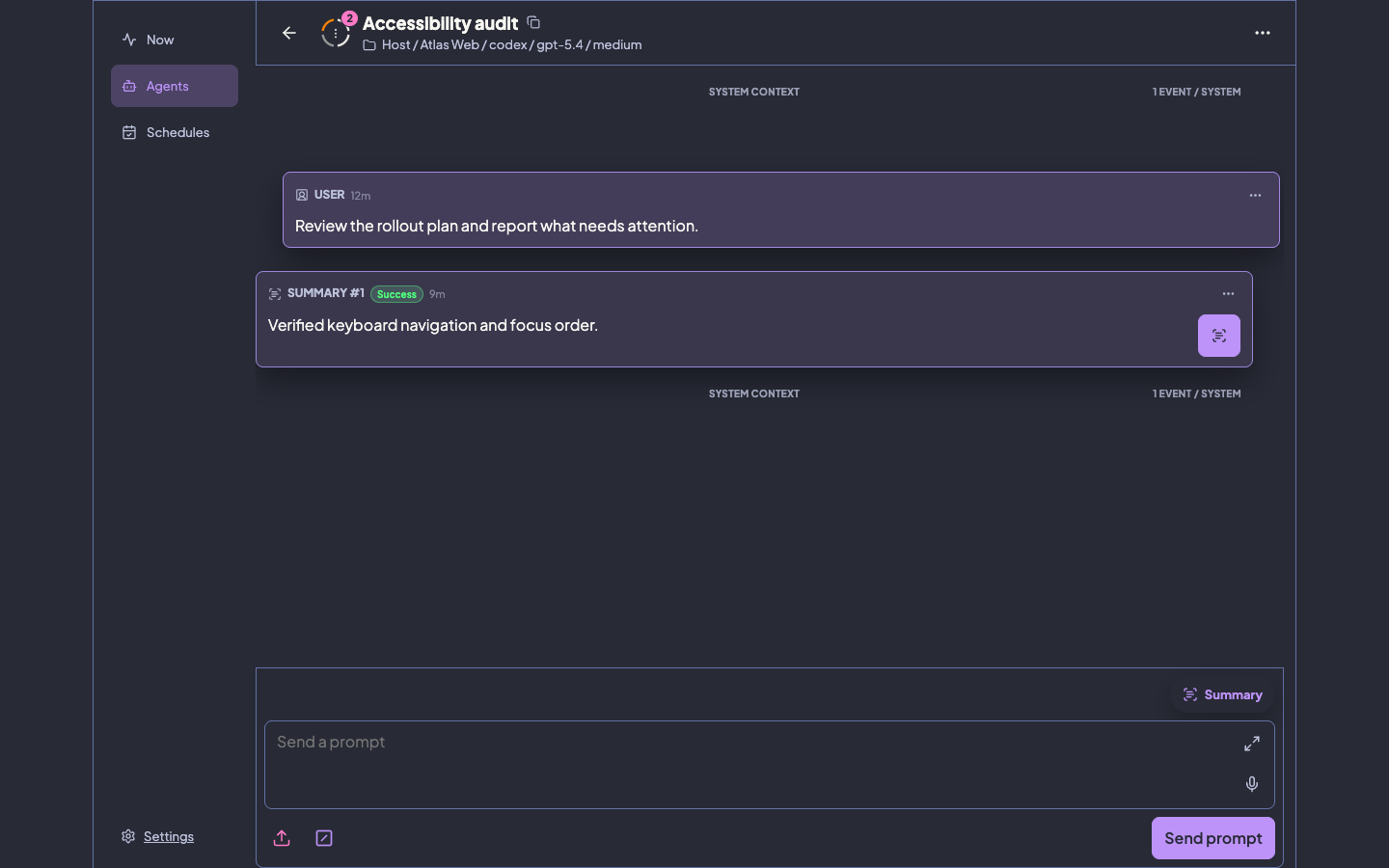
Follow an agent session.
Start an agent session.
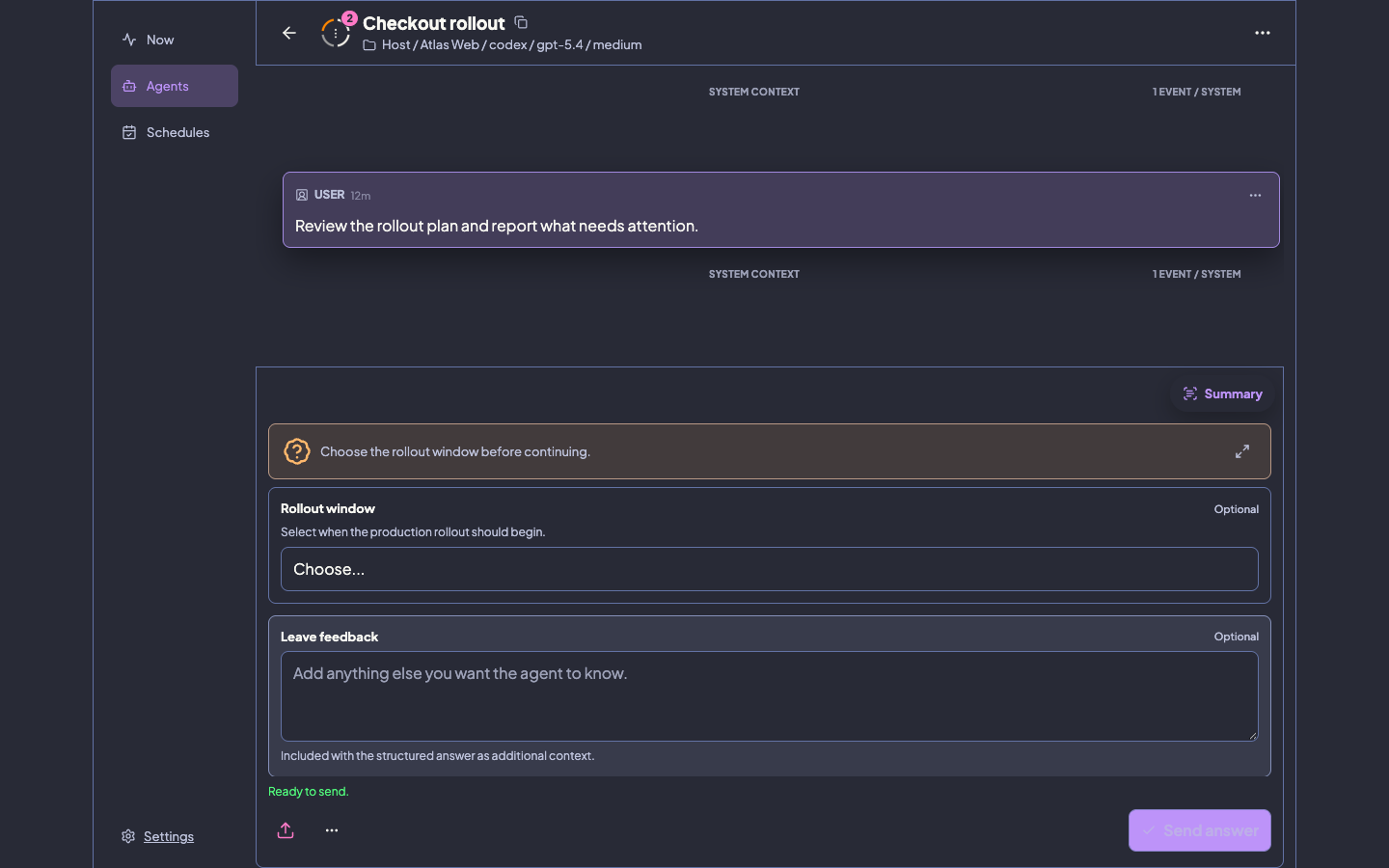
See which sessions need attention.
Answer a question or send a follow-up.
Resume a session or run it again.